

A slow computer can be frustrating—whether you’re working, gaming, or streaming. While upgrading the internal hardware (...
Understanding USB Standards to Choose the Right Accessories
When shopping for computer accessories, you’ve probably come across terms like USB 2.0, USB 3.0, and USB-C. While they might seem confusing at first, understanding the difference between them can help you choose faster, more compatible, and more efficient devices for your setup.
In this post, we’ll break down what each USB version means, how they differ in speed and design, and which one is best suited for your needs.
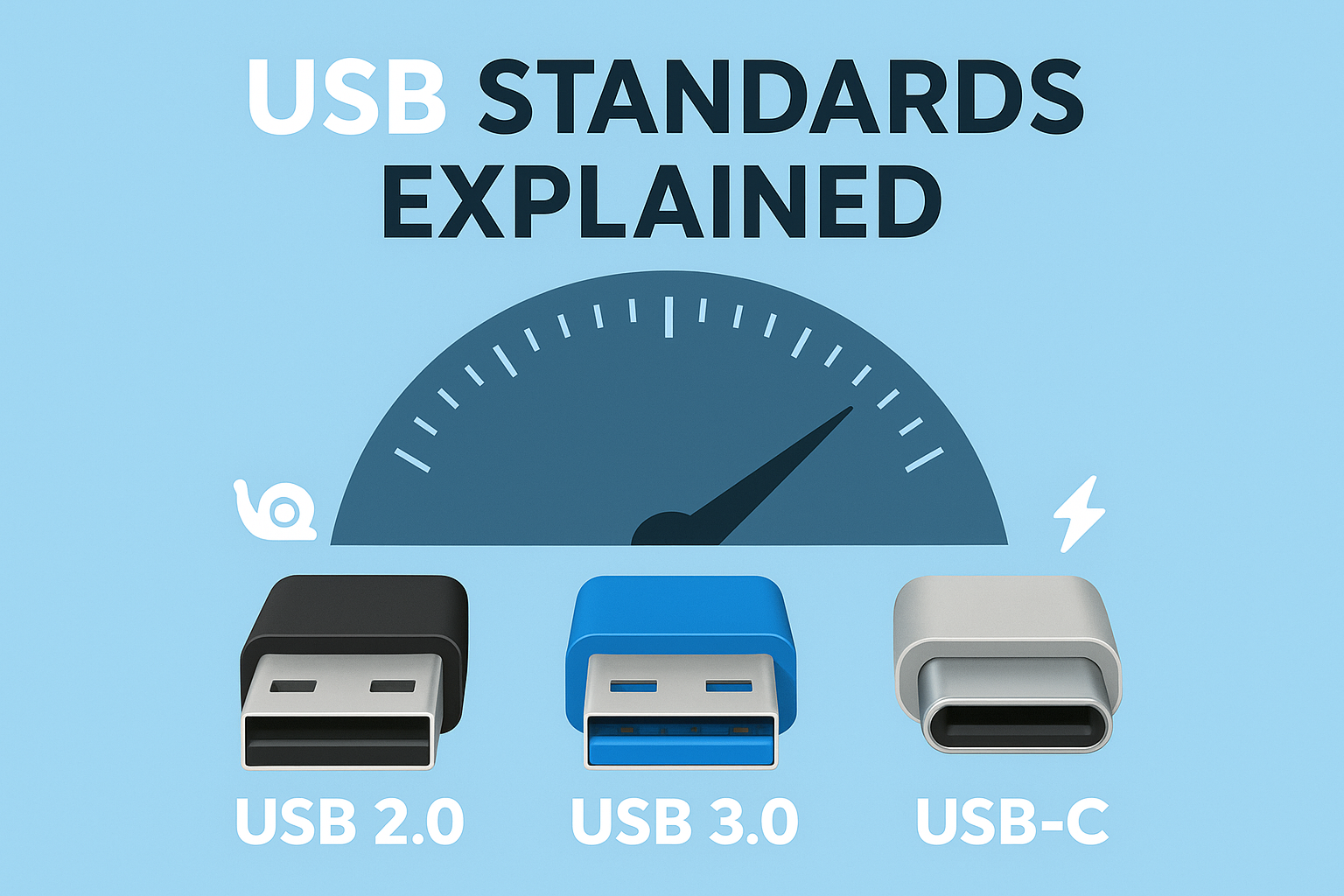
USB (Universal Serial Bus) is a standard for cables and connectors used to transfer data and power between computers, smartphones, peripherals, and accessories. Over time, USB technology has evolved through several generations—each offering improvements in speed, power delivery, and functionality.
Introduced: 2000
Max Speed: 480 Mbps (Megabits per second)
Connector Type: Typically USB-A (rectangular)
Introduced: 2008
Max Speed: 5 Gbps (Gigabits per second) — 10x faster than USB 2.0
Connector Type: USB-A (with blue inner plastic), USB-B, or micro-B
Since USB 3.0, several improvements have been made:
These versions often use the USB-C connector, which brings us to…
Introduced: 2014
Max Speed: Varies — depends on the USB version (3.1, 3.2, USB4)
Connector Type: Reversible oval-shaped connector
USB-C refers to the shape of the connector, not the speed. A USB-C port could support USB 2.0, USB 3.0, or even USB4 — so check the specs carefully!
| Feature | USB 2.0 | USB 3.0 / 3.1 Gen 1 | USB-C (with USB 3.1/4) |
|---|---|---|---|
| Max Speed | 480 Mbps | 5–10 Gbps | Up to 40 Gbps |
| Power Delivery | Up to 2.5W | Up to 4.5W | Up to 240W |
| Reversible Plug | No | No | Yes |
| Common Connector | USB-A | USB-A (blue) | USB-C (oval) |
| Use Cases | Basic peripherals | Storage, webcams | Laptops, docks, phones |
It depends on your needs:
Before buying a USB accessory, always check:
We offer a wide range of USB accessories—from high-speed cables and hubs to USB-C adapters—so you can build a setup that’s fast, efficient, and future-ready.
👉 [Browse USB Accessories Now]
Understanding the difference between USB 2.0, 3.0, and USB-C helps you avoid compatibility issues and get the best performance from your devices. As technology moves forward, USB-C and USB4 are becoming the new norm—but older standards still serve their purpose.
Have more questions about choosing the right accessory? Drop a comment below or explore our latest arrivals!
Share:
A slow computer can be frustrating—whether you’re working, gaming, or streaming. While upgrading the internal hardware (...

Printers are one of the most essential devices for both home and office setups. Whether it’s for school projects, busine...

Working from home has become the new normal for many professionals, students, and entrepreneurs. While having a reliable...